The review workflow
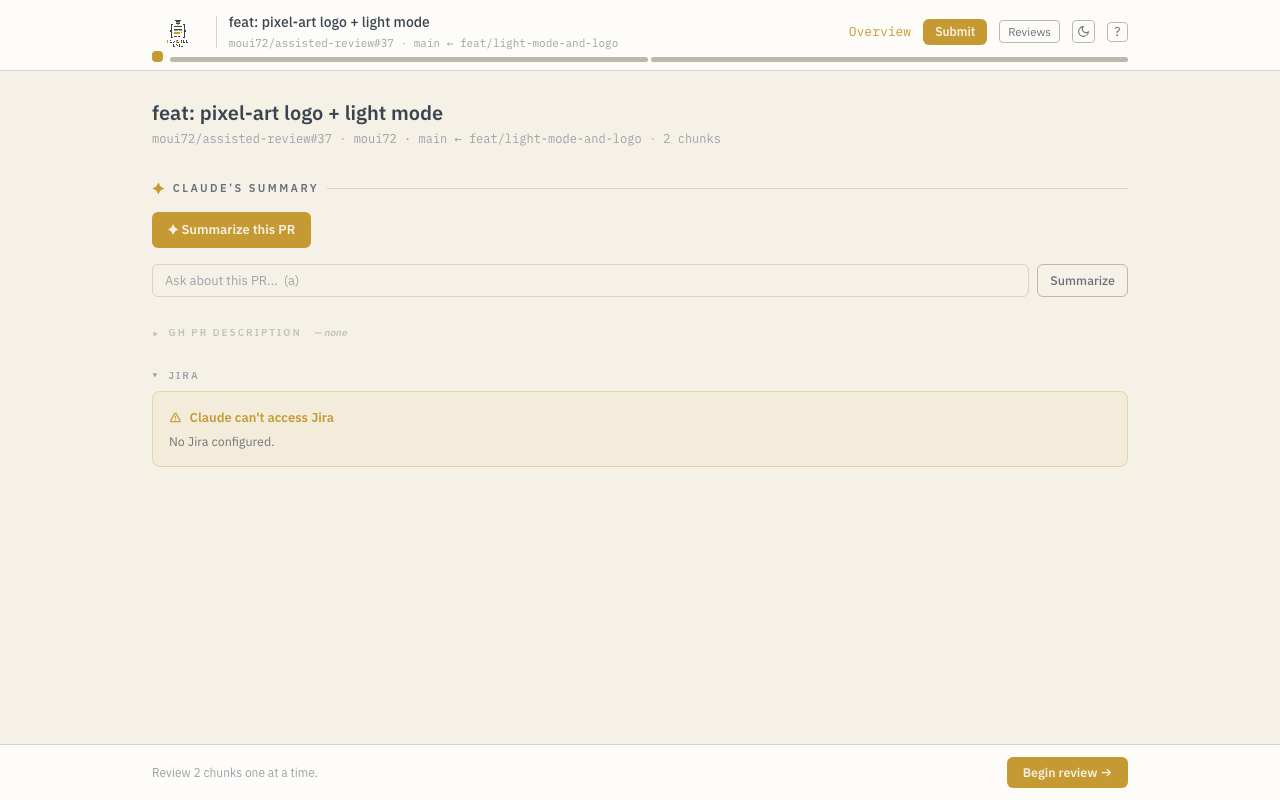
A review session moves through three kinds of screen: the splash (when no ref was given), the overview, and one page per chunk.
Chunks
The diff is split into chunks — adjacent hunks from the same file, merged when the gap between them is small. Each chunk gets its own page with the diff (syntax-highlighted) on one side and AI commentary on the other. The top bar shows one indicator per chunk, marking which are viewed, flagged, and commented, and lets you jump directly to any of them.
You can deep-link to a chunk: the URL carries ?i=<n>.
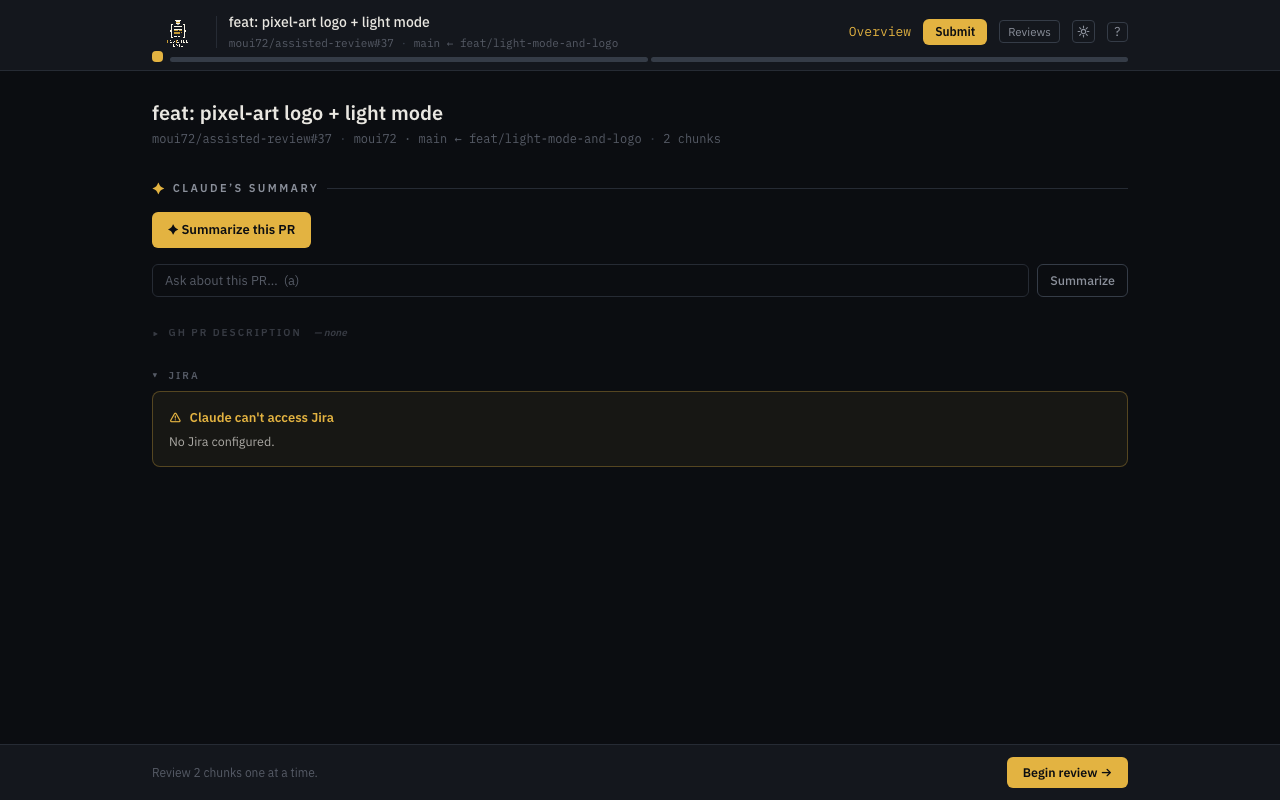
The overview page
The first page of every review shows:
- PR/MR metadata (title, author, branch, description)
- The referenced Jira story and epic, if Jira is configured — issue keys are detected in the title, branch name, and description
- An AI-generated summary of the whole PR
- A Displaced section (only when needed — see below)
- Begin review, which drops you into the first chunk
Per-chunk actions
On each chunk you can:
- Comment (C) — draft an inline comment, whole-chunk or anchored to a specific line. Whole-chunk comments anchor to the chunk's last changed line. Comments can be edited or deleted until you submit.
- Flag (F) — mark a chunk to come back to.
- Ask AI (A) — ask a follow-up question about the chunk; the conversation threads, with prior notes passed back as context. See AI commentary.
- Mark viewed (Enter) — mark the chunk reviewed and advance. Esc marks it unread again.
Everything is keyboard-driven — see the full shortcut reference.
Resuming and switching reviews
Every action persists immediately to a per-PR state file on disk, so quitting mid-review loses nothing: reopening the same ref restores your comments, flags, viewed markers, and AI notes exactly where you left off.
The Reviews menu in the top bar lists every saved review with its progress. From there you can switch between reviews, open a new ref, or delete a saved review — all without restarting the CLI.
Displaced comments
If a review is reopened after the PR's diff changed shape (e.g. a force-push), comments and flags whose anchor no longer matches are not lost or silently attached to the wrong chunk — they're marked displaced and surfaced in a dedicated section on the overview page, where you can re-anchor each comment by hand (or unflag displaced flags).
Next: submitting the review.